


Login to your e-service account https://www.e.batelco.com/eservices/Login - Need help in login?
2. You will receive an OTP verification, please enter the OTP code that sent to the contact number and email address registered in the eServices.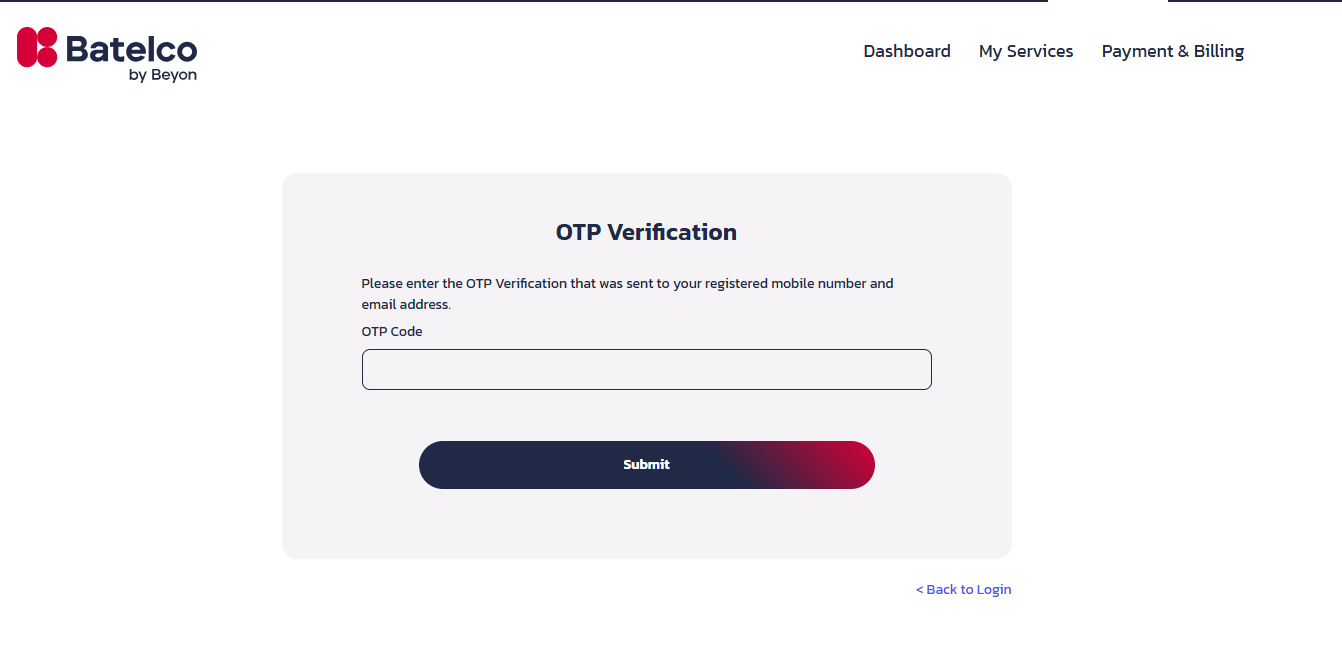
3. Trust the device 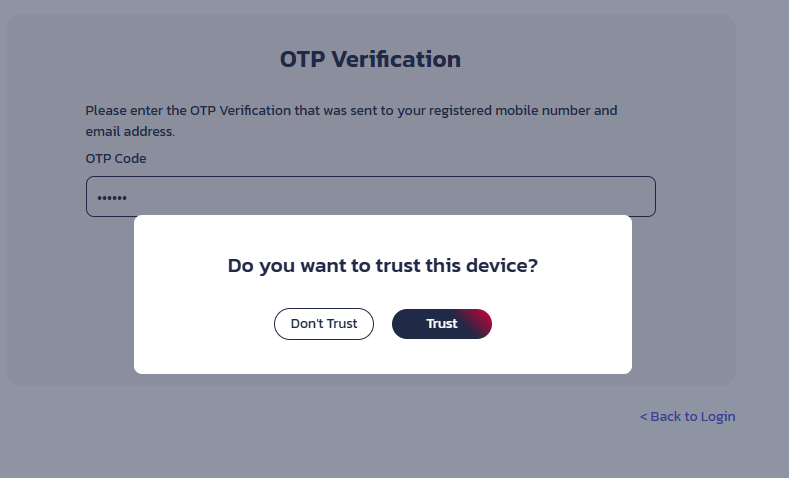
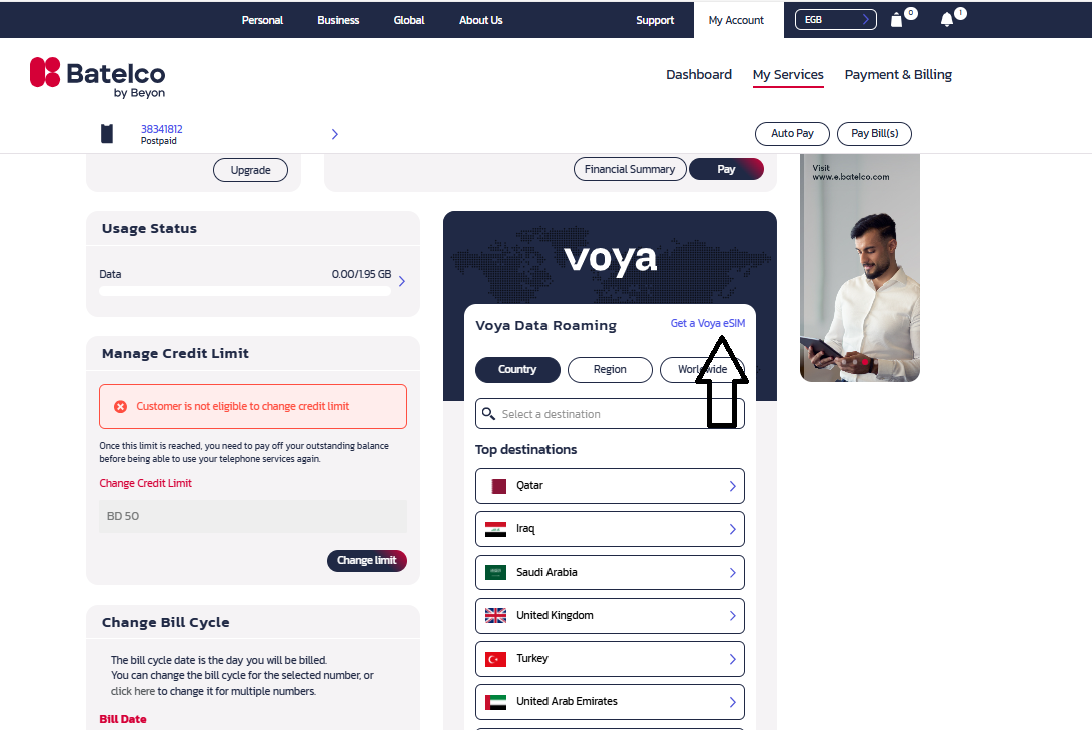
4.Click on My services
5. Click on Get Voya eSim
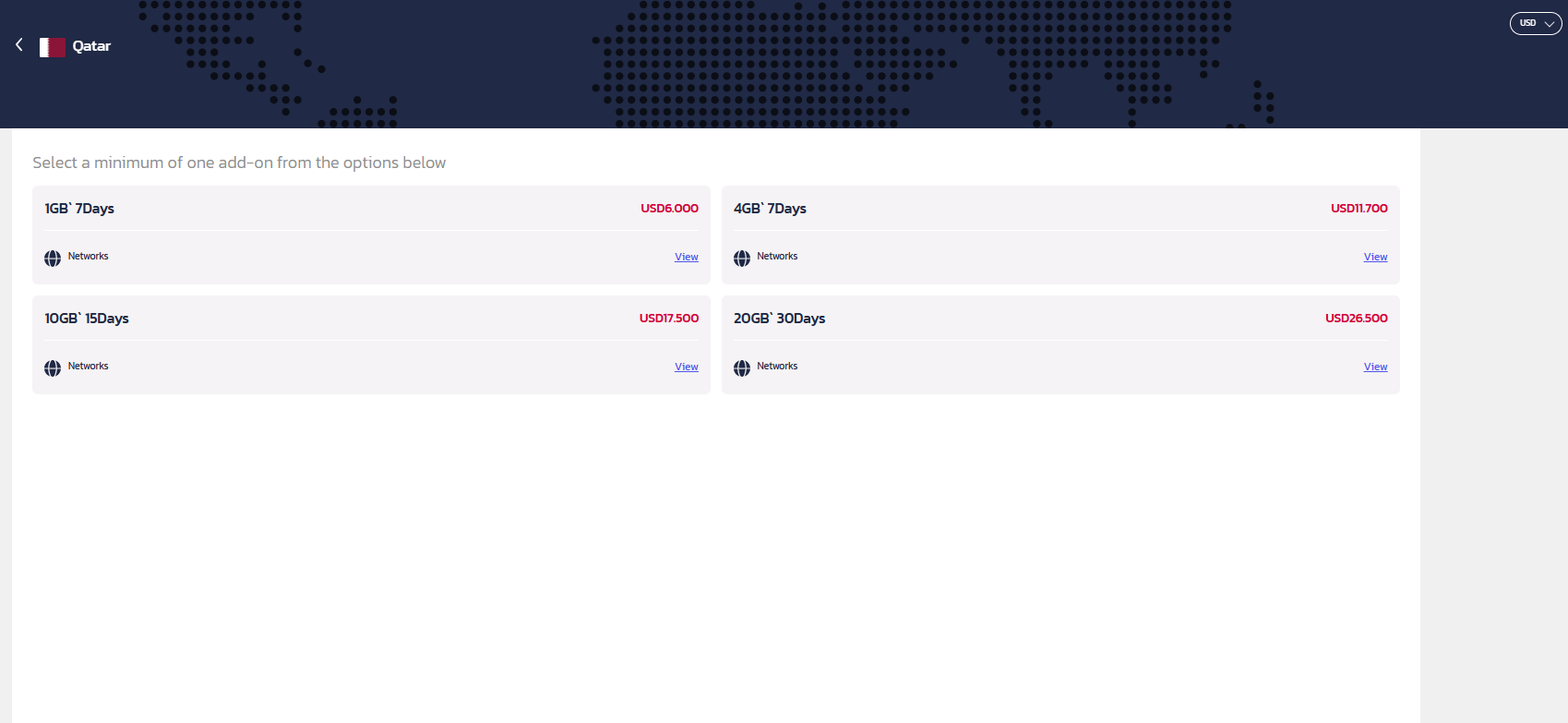
6. Select your preferred country, region or worldwide options.
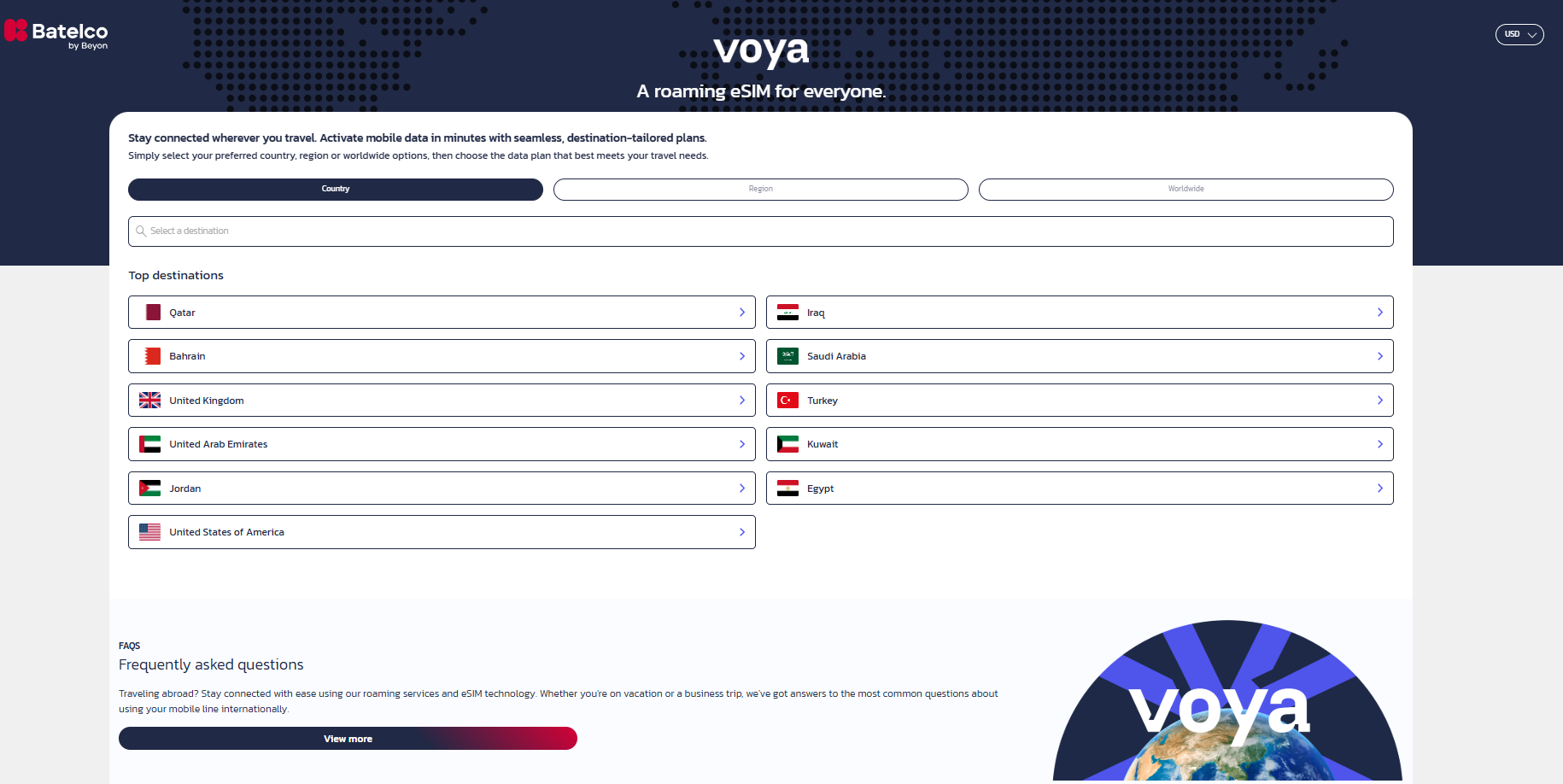
7. Then choose the data plan.
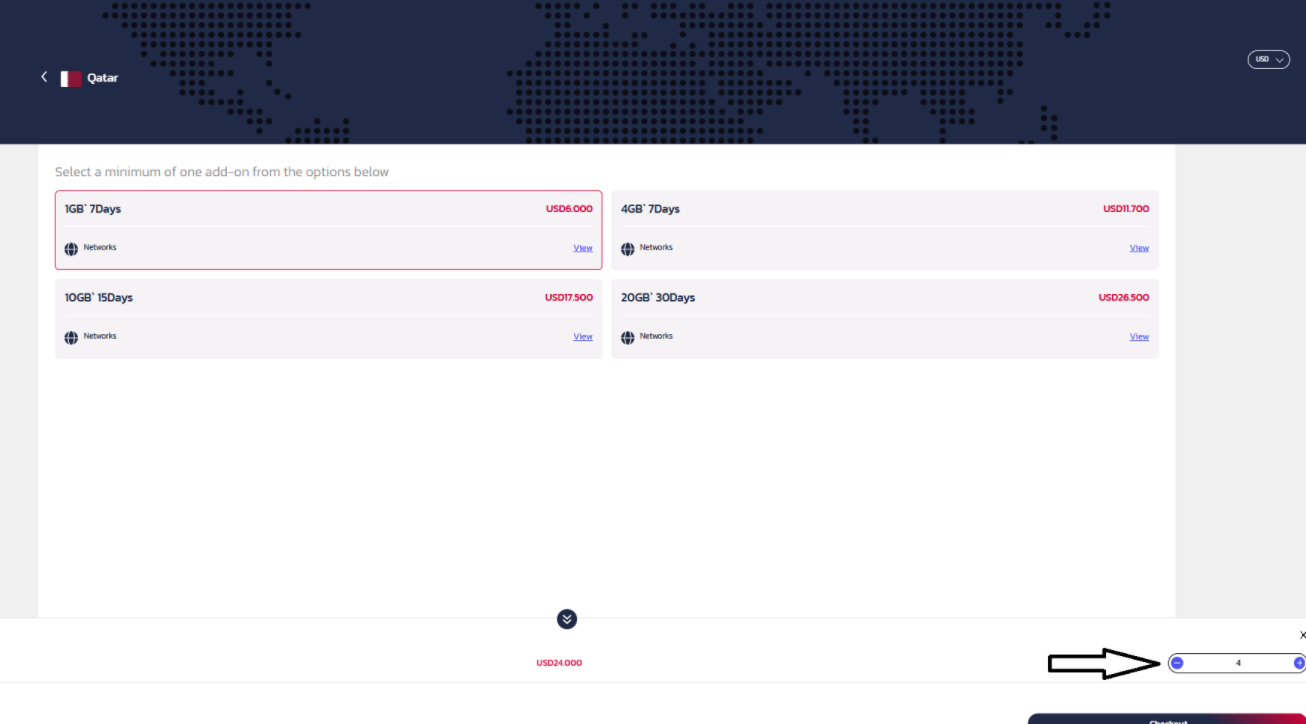
8. You can add Quantity as much needed
9. You can add more for different countries, region and worldwide as well at the same purchase.
10. more data eSim added to the basket.
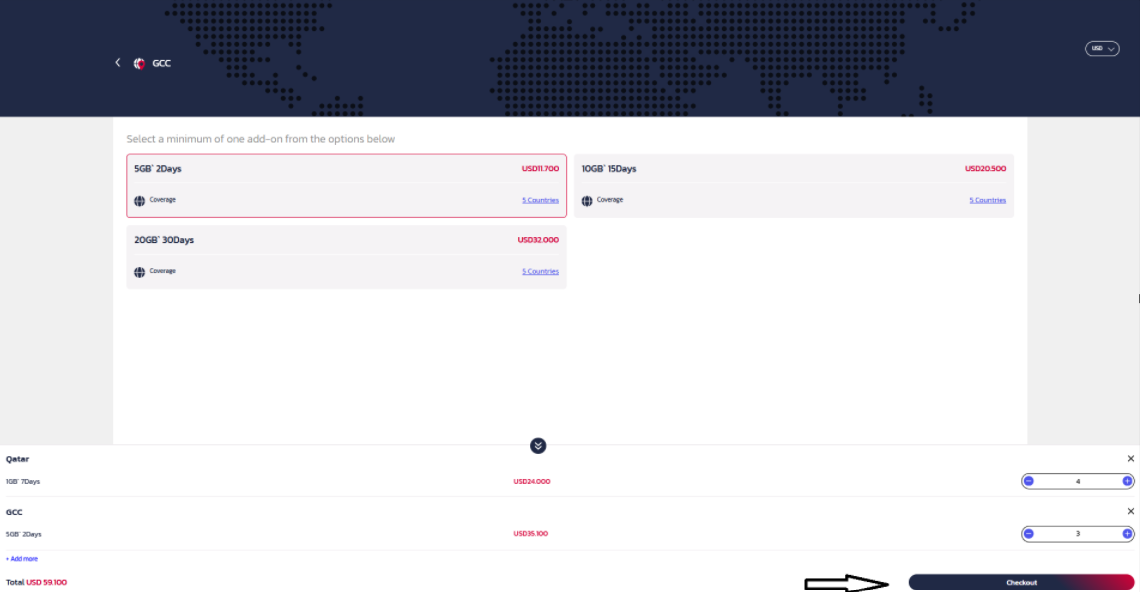
11. Click on Checkout to Proceed.
12. Upload the registered CPR ( Front and Back ) of the Authorized person as the name mentioned.
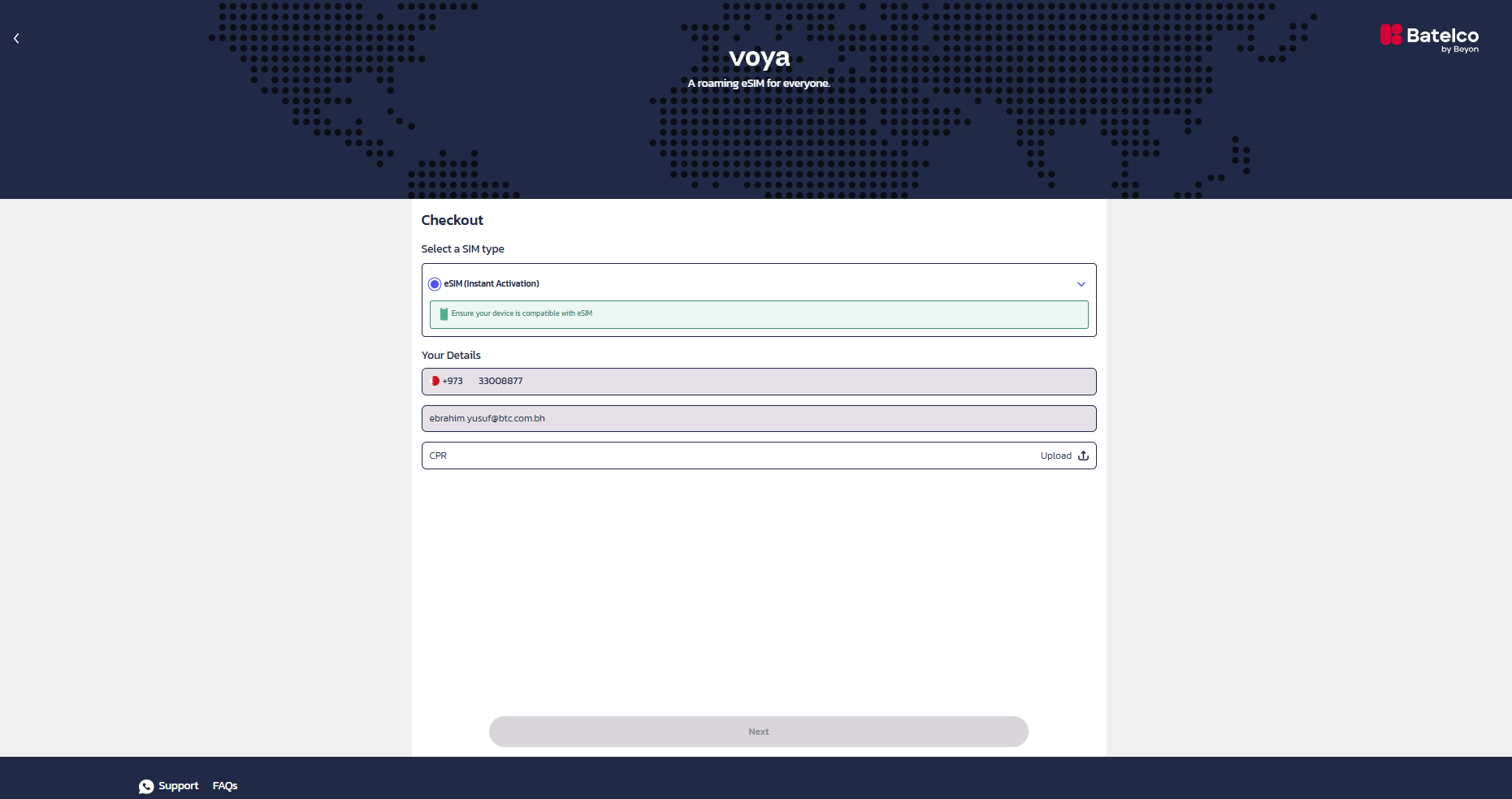
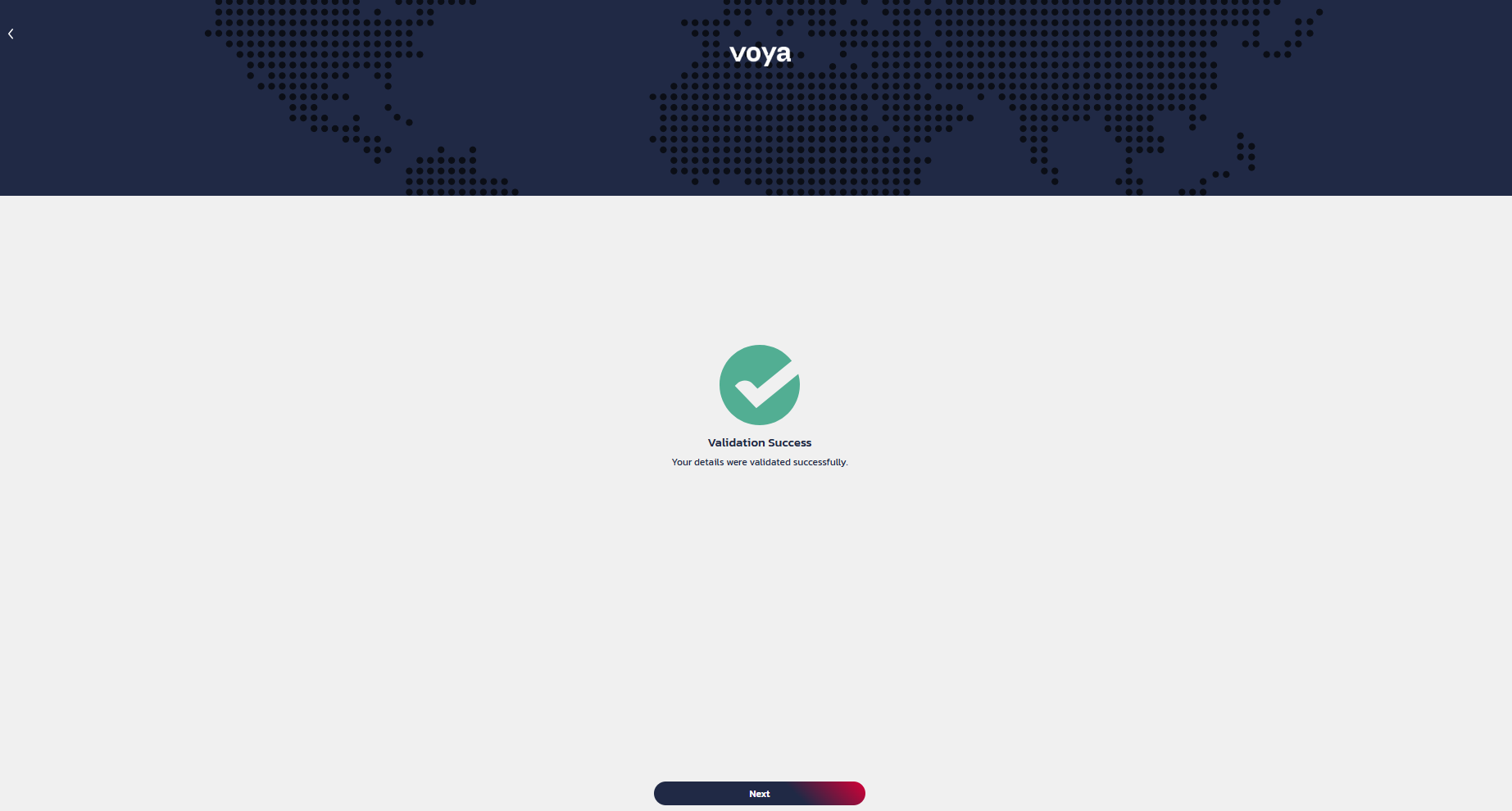
13. Click on Capture for Face Recognition.
14. Click on Next to proceed with Payment
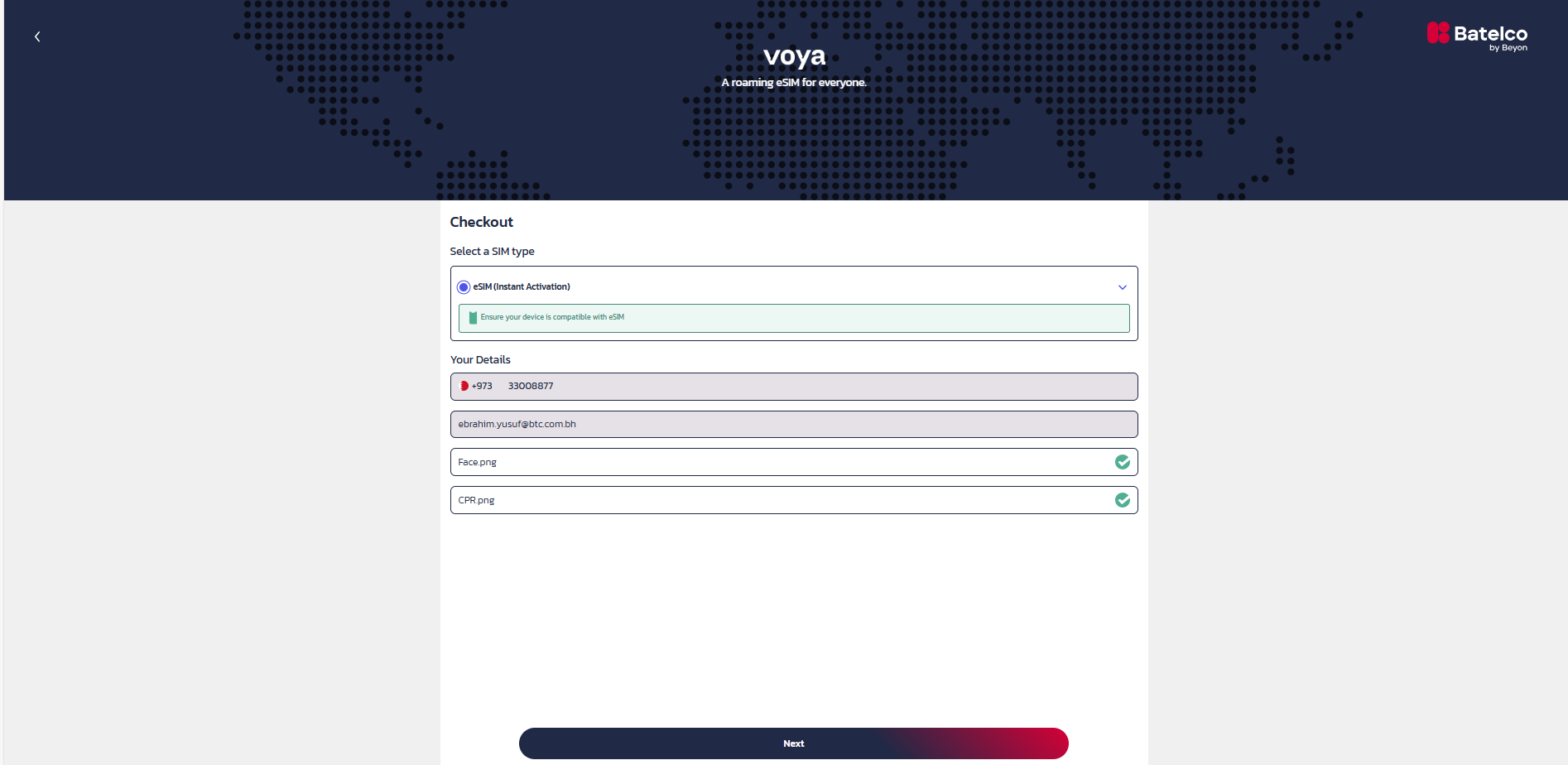
15. Click on Next to proceed with Payment
16. Choose the payment option and tick the terms and condition, then click on PAY
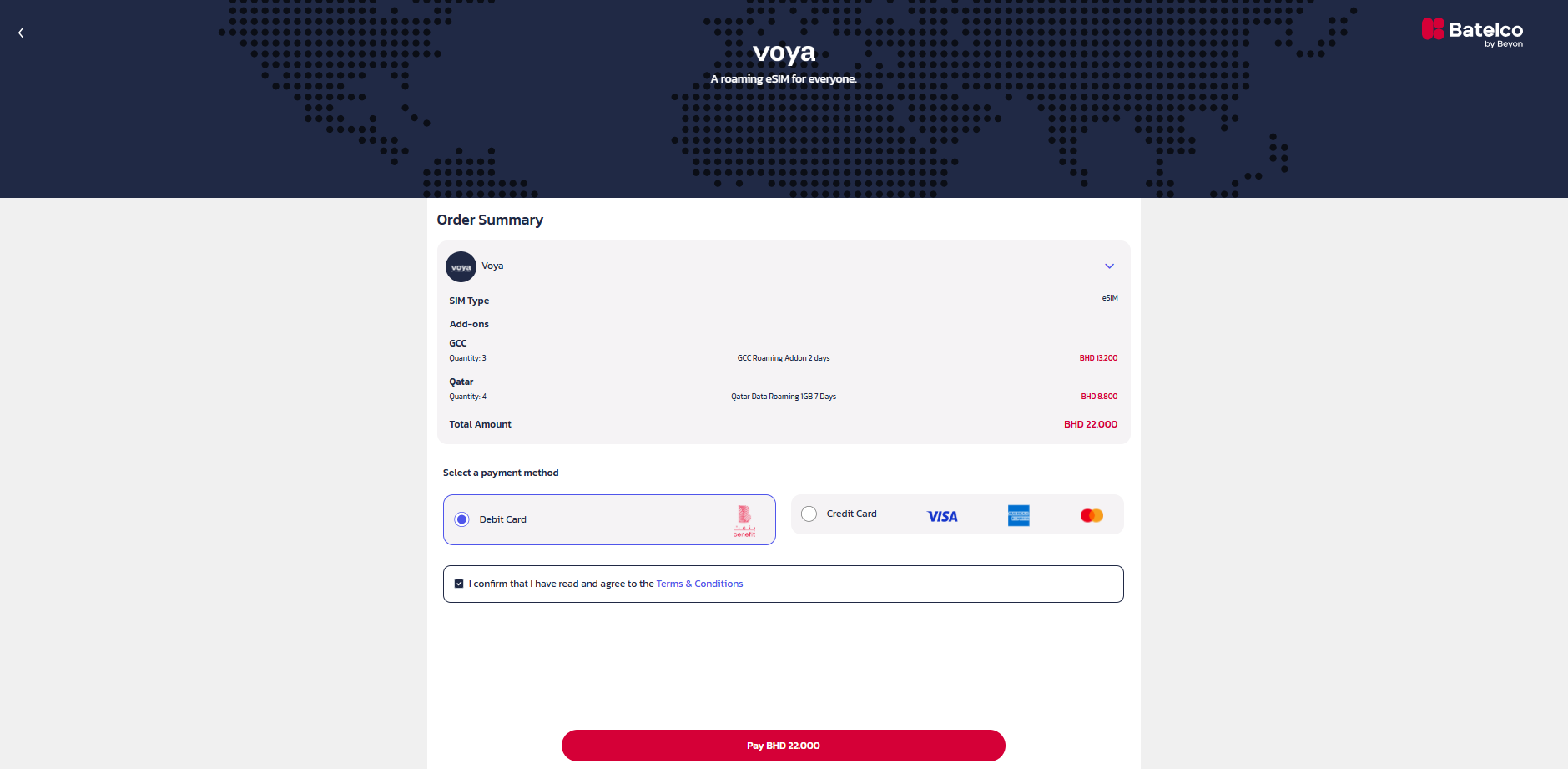
17. Once, Paid and summary details will apear.
18. eSim QR codes will be sent by email.